Trendskout SFTP support
This manual uses the free software WinSCP, which can be downloaded from their website.
After installation, you will be asked to create a new session:
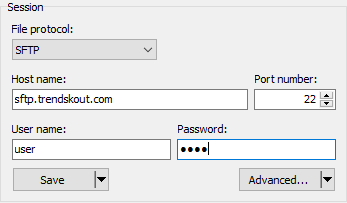
Enter your username and password (given to you by your account manager), and click 'Login' (you might also choose to Save the session for future use):

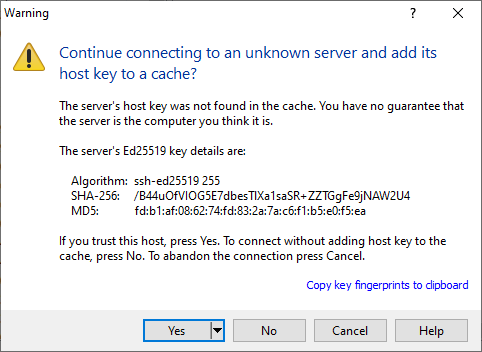
If you hadn't connected to our server earlier, you will receive a prompt to trust our security key. Click 'Yes':
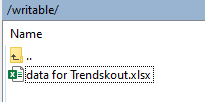
Once logged in, you will see a small folder structure. You can upload your files to this directory: